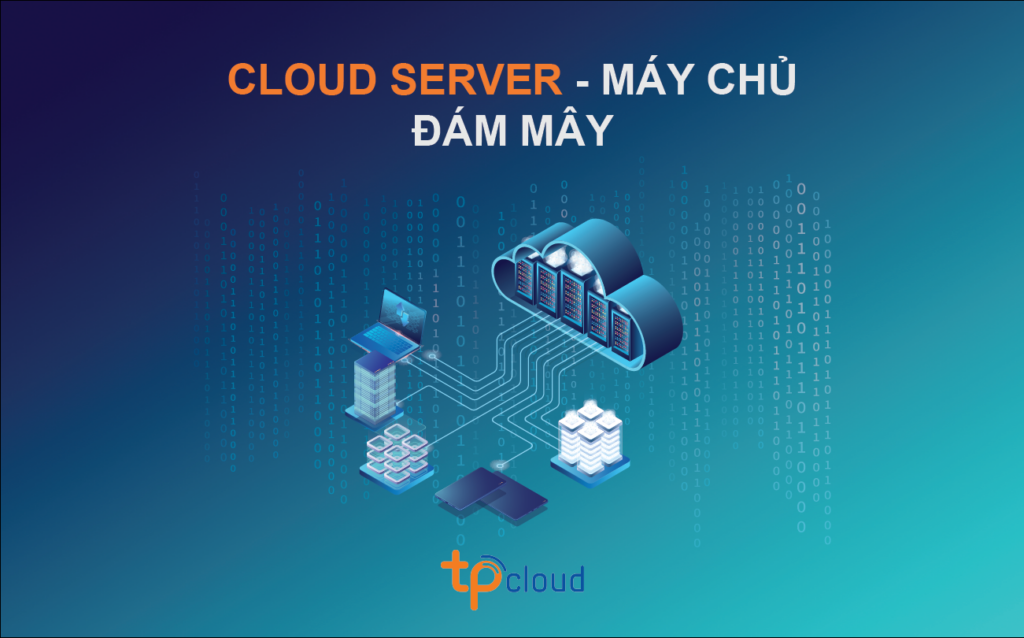


A virtual machine (VM) is an operating system or application environment installed on software that emulates specialized hardware, giving the end-user an equivalent experience. VMs provide an independent environment to run their operating system and separate applications from the underlying host system or from other VMs. The operating system of a virtual machine is often called the guest operating system, and it can be the same or different from the host operating system or other virtual machines. In this way, a computer can host multiple virtual machines, all running different operating systems and applications, without affecting or interfering with each other.
From a user’s perspective, a VM operates like a bare metal machine. In most cases, a user connecting to a virtual machine will not be able to tell that it is a virtual environment. The guest operating system and its applications can be configured and updated as needed, and new applications can be installed or removed without affecting the host or other virtual machines. Resources such as the CPU (central processing unit), memory, and storage appear the same as on a physical computer. While users may occasionally encounter glitches, such as being unable to run applications in the virtual environment, these types of problems tend to be minimized.
A computer hosting virtual machines requires specialized software called a hypervisor. The hypervisor emulates the CPU, memory, hard disk, network, and other hardware resources of the computer, creating a pool of resources that can be allocated to individual virtual machines according to their specific needs. A hypervisor can support multiple virtual hardware platforms isolated from each other, allowing virtual machines to run Linux and Windows Server operating systems on the same physical server.
Why should businesses use VMs?
-
Virtual machines provide isolated environments, allowing different types of operating systems and applications to run on a single server. Businesses can deploy legacy and business applications in the environments they require, without having to deal with contention issues or needing to purchase multiple servers to support different environments.
Virtual machines make it easy to scale applications and accommodate fluctuating workloads, which is one reason virtualization plays a crucial role in cloud computing and systems such as hyperconverged infrastructure (HCI).
Organizations are also turning to virtual machines because of the extra layer of security they provide against potential threats. If a virtual machine is compromised, it can be erased or reverted to a recent backup or snapshot. Because it is isolated from the host and other virtual machines, the threat is limited to that virtual machine.Virtual machines make it easy to manage multiple environments running different operating systems. Because workloads are consolidated across fewer servers, there are also fewer physical systems to deploy and maintain. In addition, most virtualization platforms help manage virtual machines from a single interface, even if those virtual machines are distributed across multiple servers.
Benefits of VMs:
Although containers and other modern application technologies have impacted the use of virtual machines, virtual machines continue to be widely deployed by organizations of all sizes because they offer several key benefits, including:
Virtualization limits costs by reducing the need for physical hardware systems. This reduces the number of servers that must be deployed and the associated maintenance costs. It also reduces power and cooling requirements.
A virtual machine is an isolated, self-contained environment that can run different types of applications and operating systems on the same server, eliminating potential security and contention issues as well as the need to deploy multiple physical servers.
Virtual machines can be easily moved, copied, and reassigned between hosting servers, as well as between on-premises and cloud environments, improving hardware resource utilization and making application scaling easier.
Virtual machines are easy to manage in many ways. Administrators, developers, and testers can quickly deploy virtual machines, leveraging the virtual environment to simplify backups, disaster recovery (DR), new deployments, and basic system administration tasks.Because they operate in isolated environments, virtual machines can provide an additional layer of protection against malicious attacks. They also support features such as snapshots and backups, making it easy to restore the virtual machine in case the current virtual machine is compromised or corrupted.
(To be continued)
(To be continued)