

Currently, businesses are significantly saving costs and improving flexibility through IT infrastructure virtualization. One of the essential components of traditional IT infrastructure is the server.
Many businesses are now choosing to use virtual servers to power critical business functions. If you are unclear about the functionality and capabilities of virtual servers, continue reading this article by TPCloud.
Traditional Server Infrastructure
Compared to virtual servers, they have the ability to multitask and run more workloads. However, businesses find it inconvenient due to application compatibility and support issues with different software vendors running on a single operating system. This has led to underutilization of servers (only 10%) in data centers. Simultaneously, they require additional floor space, cooling and ventilation systems, and power supply to support them.
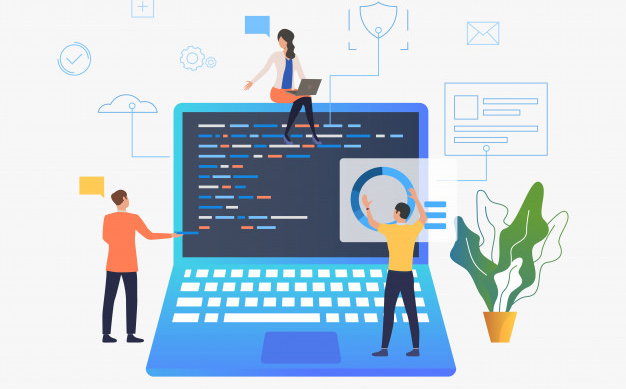
The availability of traditional servers is difficult and expensive compared to virtual servers.
Traditional servers are installed with systems Operating and running directly on hardware. This infrastructure can present challenges for backup and recovery, as well as redundancy. Providing the same level of application availability on traditional infrastructure is more difficult and expensive compared to our capabilities with virtual servers.
What you need to know about virtual servers
Virtual servers are similar in function to traditional servers. However, there can be some noticeable differences on the user side. By virtualizing the underlying hardware, virtual servers eliminate much of the physical bulk in your office.
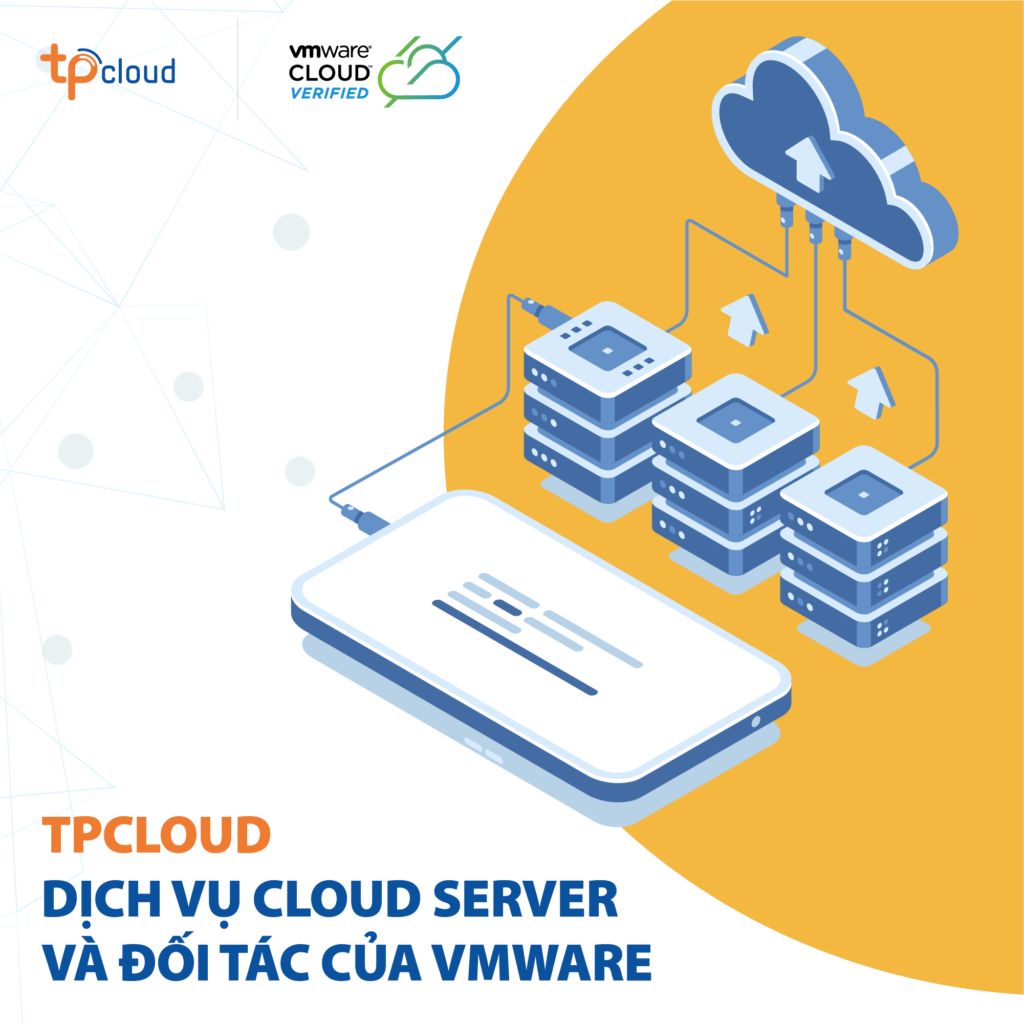
A virtual server is a server located in an off-premises data center. Virtual servers can share their processing power among multiple users. In practice, this has the effect of allowing the full utilization of each server’s processing power, something practically unheard of with traditional, on-premises servers.
By virtualizing the underlying hardware, virtual servers eliminate much of the physical bulk in your office.
Virtual servers still require physical hardware components. But because hardware today is so powerful, a one-to-one relationship between the operating system and physical hardware is no longer necessary. Instead, multiple virtual machines can now reside on a single piece of hardware in your office. This provides a high degree of consolidation and cost savings in your on-premises data center.
What are the benefits of using TPCloud virtual servers?
When comparing virtual and physical servers, the question always comes down to your specific needs. Some businesses, organizations, or entities will still prefer physical servers. Often, this is because they believe this option offers better security and faster uptime.
In fact, today’s virtual servers have thoroughly addressed the shortcomings of traditional servers. Let’s take a moment with TPCloud to consider the benefits of virtual servers. From there, you can determine which option is right for your business.
Cost Savings
Two factors are often cited when explaining the cost savings offered by virtual servers: capital expenditure and utilities. When your company needs more server capacity in a traditional infrastructure, you have to spend thousands of dollars on new servers and supporting hardware.
With virtual servers, you will spend less on capital expenditures in hardware. In addition, you will also benefit from reduced energy costs. According to data from technology research firm Gartner Inc., each virtual server reduces total energy costs by 80% (on average).
Increased Productivity
You reduce the burden on your IT department by investing in virtual servers. Virtual servers mean fewer physical machines, resulting in less time spent on maintaining and monitoring server-related hardware. This relieves some of the responsibility as it falls entirely on the vendor’s IT department.
Additionally, staying ahead of software trends is much easier with virtual servers because support, upgrades, and patching are easier to manage and deploy.
Today’s virtual servers have thoroughly addressed the shortcomings of traditional servers.
Optimizing information security
Backup has always been a headache for IT departments. Trying to back up critical data in a timely manner is a constant struggle. Most IT departments choose to back up only the data, not the operating system itself. This means the backup process is faster, but the recovery process requires you to retrieve the hardware (if needed), rebuild the operating system and applications, and then restore the data. This process can take hours, even days, to complete, working around the clock.
Minimizing Downtime
The primary goal of all IT departments is to reduce downtime. Traditionally, businesses have had to have spare parts readily available along with a 4-hour warranty to prevent or reduce downtime with any hardware failures that arise. Virtualization has significantly reduced downtime in data centers today. Instead, virtual servers offer greater redundancy and nearly 100% uptime while a faulty server is being repaired.
This article shares useful knowledge about virtual servers and the benefits of this technology. TPCloud’s virtual server service, based on the VMware platform, offers many benefits in business operations or IT applications in enterprise production.
If you have any needs, please do not hesitate to contact TPCloud via hotline: (+84) 96803 6868 or visit http://www.tpcloud.vn/ for free consultation.
(Image of a href=”http://www.tpcloud.vn/”)